CRM Marketing Platforms: 7 Checks Before You Pay (Gmail's 0.30% Rule)
Before you pay, make the demo show seven things on screen, from contacts that arrive with no manual imports to one-click unsubscribe. Then ask how you will watch Gmail's 0.30% spam ceiling, which is 3 complaints for every 1,000 messages.

Before you pay for a CRM marketing platform, make the demo show you seven things: who acts on a hot lead, contacts that arrive with no manual imports, segments by location or page interaction, a lead score that starts a workflow, two-way sync with your own apps, sending from your authenticated domain, and one-click unsubscribe. Ask to see each one on screen, not on a slide.
Four of them cover data: imports, segments, lead scores and sync. Two come from Gmail’s sender rules. The first decides whether you need a CRM-first tool at all. Gmail’s 0.30% spam ceiling is not something a demo can show, because that rate lives in Google’s Postmaster Tools, so check 7 asks how you will watch it.
A CRM marketing platform builds segments from customer records, so you stop importing lists by hand
A plain email tool holds a list of addresses. A CRM holds the record behind each address: where the person is, what they did on your site, and how far along they are in a sale. The point of a CRM marketing platform is to market from that record.
According to crm.org’s guide to marketing CRMs, connecting email to a CRM means you no longer import contact lists by hand, and you can segment contacts by location or by the pages they interacted with. If your routine today is “export from sales, clean it in a spreadsheet, upload it to email”, that is the job a CRM marketing platform takes away.
CRM-first and automation-first tools now overlap, so choose by who acts on a hot lead
EmailVendorSelection notes that many CRM platforms now include marketing automation, and many marketing automation tools are adding CRM features. The category label tells you less than it used to.
Here is a more useful rule. Picture a lead whose score just jumped. If the next step is a person calling or writing to them, start CRM-first, because the work happens in the sales record. If the next step is another automated email, start automation-first.
Who should skip a CRM-first platform: a store or newsletter where nobody follows up with individual leads. Shortlist an email-first tool instead. MarketingRating’s 12-month cost comparison of Shopify email tools covers Klaviyo, Omnisend, MailerLite, Mailchimp, Brevo and Beehiiv. Checks 2 and 5 assume a CRM, so skip them.
Run checks 3, 4, 6 and 7 on the email tool.
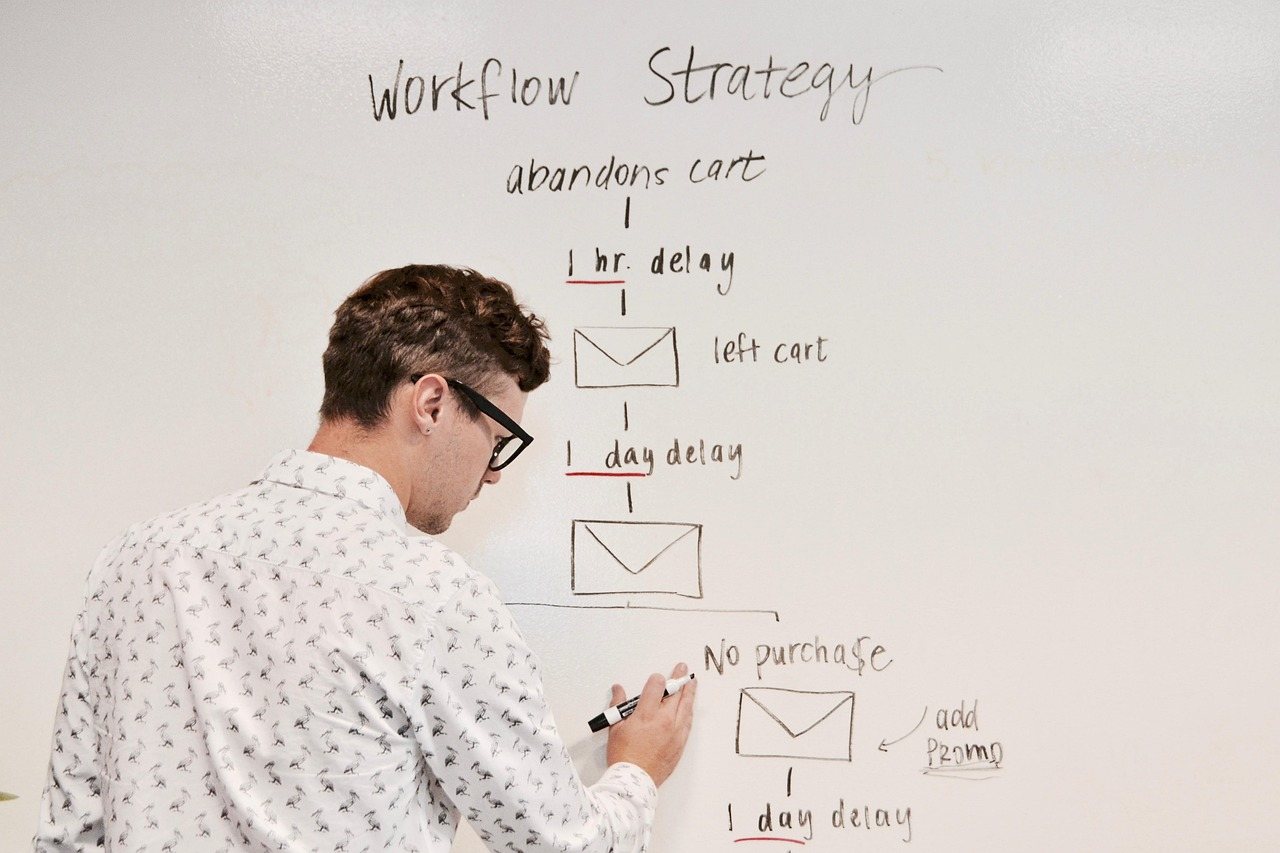
In a demo, ask to see a lead score start a workflow, not just the score
Creatio’s CRM marketing glossary lists three jobs for CRM software: tracking lead activity, scoring leads by engagement, and automating nurturing workflows. They only pay off as a chain: activity feeds the score, and the score triggers the workflow. A score that sits on a contact record with nothing attached is a number nobody acts on.
Ask the vendor three things:
- Which actions add points: an email click, a visit to the pricing page, a form fill?
- What score starts a nurturing workflow, and can you change that threshold yourself?
- What happens next: another email, or a task assigned to a salesperson?
Then ask them to build the location and page-interaction segments described above while you watch.
HubSpot names 2,000+ integrations and two-way sync for “dozens”: ask if your apps are among them
HubSpot’s CRM page says its free CRM connects to over 2,000 business apps, through integrations built by HubSpot and by third parties. The same page says data syncs both ways between HubSpot and dozens of popular third-party apps.
The page does not say how the rest of the 2,000 connect. That is the question to ask. A one-way connector pushes data in one direction only: if a customer updates their address in your store, a one-way link may never pass that change to the CRM. Two-way sync keeps both sides up to date, and your segments and scores depend on it.
So don’t count integrations. List the three to five apps your business can’t run without. For each one, ask who built the integration, whether it syncs both ways, and which fields it moves.
Gmail asks every sender for SPF or DKIM, and senders of 5,000+ a day for SPF, DKIM, DMARC and one-click unsubscribe
Gmail’s sender guidelines split senders in two.
- Every sender should set up SPF or DKIM for its sending domain, and keep the spam rate reported in Postmaster Tools below 0.30%. In plain terms, 0.30% = 3 complaints for every 1,000 messages. Postmaster Tools is Google’s own dashboard, so that figure lives there, not inside your CRM.
- Senders of more than 5,000 messages a day to Gmail accounts must set up SPF and DKIM, and DMARC; the DMARC policy can be set to “none”. The From: domain must be aligned with either the SPF domain or the DKIM domain. Marketing and subscribed messages must support one-click unsubscribe and include a clearly visible unsubscribe link in the body.
Here is what those terms mean. SPF is a DNS record that lists the servers allowed to send email for your domain. DKIM is a signature that proves a message came from that domain. DMARC is a domain record that tells mail servers how to treat messages that fail those checks; alignment means the address your reader sees matches the SPF or DKIM domain.
If you send at that volume, rule out any CRM that can’t send from your own authenticated domain or can’t add one-click unsubscribe.
Seven checks for one shortlisted tool: four are pass/fail for every buyer
The flaw to watch in HubSpot’s own pitch is the integration count. A large number of connectors says nothing about whether your must-have apps are among the two-way ones. Check 5 fixes this: name your apps and ask about each one.
Checks 2 to 5 are pass/fail for every buyer. Checks 6 and 7 are pass/fail at Gmail’s 5,000-a-day line. Check 1 is a setup question with no fail condition.
- Pick the route. Write down who acts on a high-scoring lead: a person (CRM-first) or another automated email (automation-first). Judge the tool by that job, not by its category label.
- No manual imports. Pass if CRM contacts reach the email side without a file export and upload (crm.org). Fail if the demo needs one.
- Segments by location and page. Pass if the vendor builds one segment by location and one by page interaction during the demo (crm.org). Fail if they can’t.
- Score to workflow. Pass if an engagement score crosses a threshold and starts a nurturing workflow you can see (Creatio). Fail if the score just sits on the record.
- Two-way sync for your apps. Pass only if every must-have app syncs both ways (HubSpot; see the integration question above). Fail if any must-have app syncs one way only.
- Authenticated, aligned domain. Pass if you can send from your own domain with SPF, DKIM and DMARC set up and the From: header aligned to SPF or DKIM (Gmail). Below 5,000 a day, Gmail asks for SPF or DKIM.
- One-click unsubscribe and complaint visibility. Pass if marketing messages carry one-click unsubscribe and a visible unsubscribe link in the body (Gmail). Then ask where you will see complaint rates, and confirm your sending domain can be monitored in Postmaster Tools, where Gmail measures its 0.30% ceiling.
Ask for the 12-month price at your contact count, with every add-on the checks need
A one-off campaign cost is not a price. For the email tools in MarketingRating’s 12-month cost comparison, use its yearly figures at 1k, 10k and 50k contacts. For any CRM it doesn’t cover, ask the vendor for the 12-month price at your contact count, including every add-on you need to pass checks 2 to 7.
Related reading: Online Marketing Platforms; Small Business Marketing Platform.
FAQ
Should I switch if my current email tool already has a CRM tab?
Not before running checks 2 to 5 on the tool you already pay for. It may pass. Switch only if it fails a check.
Who should own this checklist: marketing or sales?
Whoever acts on a hot lead in check 1. If that’s a salesperson, they should sit in on the demo for checks 4 and 5.
What should I bring to a vendor demo?
Bring four things: your list of must-have apps, one sample segment (a location and a page), your daily send volume (it decides whether checks 6 and 7 are pass/fail), and the domain you send from.